CALCULATOR IN JAVASCRIPT
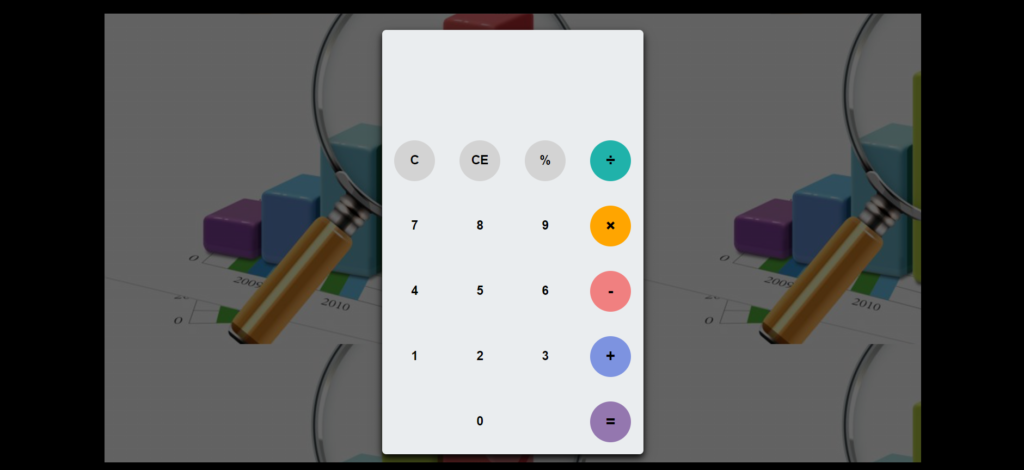
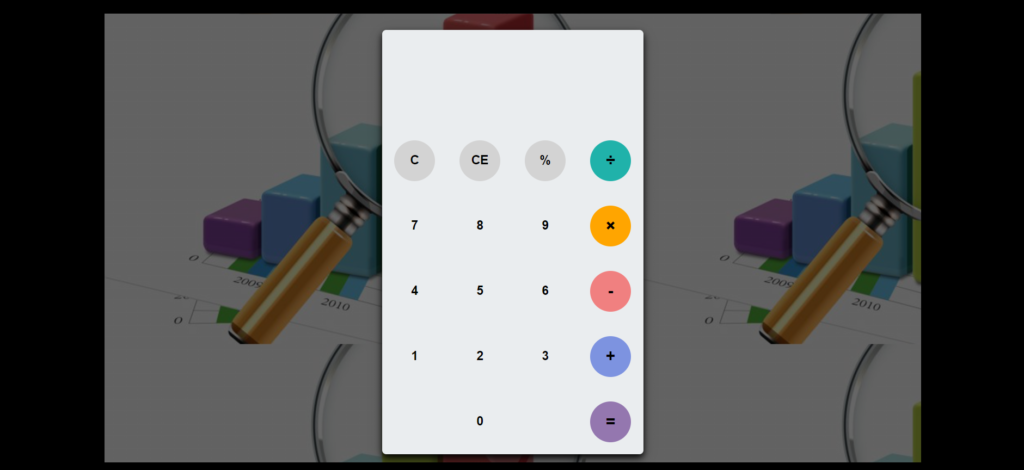
This calculator project, created with HTML5, CSS, and JavaScript, replicates the essential functions of a traditional calculator. It allows users to perform basic arithmetic operations like addition, subtraction, multiplication, and division with ease. The project is designed to be intuitive and user-friendly, featuring a responsive interface that ensures seamless usability across different devices. By building this calculator, developers can gain practical experience in implementing core programming concepts using web technologies....
Product Preview
1 images
Detailed Description
This calculator project, created with HTML5, CSS, and JavaScript, replicates the essential functions of a traditional calculator. It allows users to perform basic arithmetic operations like addition, subtraction, multiplication, and division with ease. The project is designed to be intuitive and user-friendly, featuring a responsive interface that ensures seamless usability across different devices.
By building this calculator, developers can gain practical experience in implementing core programming concepts using web technologies. JavaScript handles the calculations behind the scenes, showcasing its role in creating dynamic and interactive web applications. This project not only reinforces fundamental programming principles but also demonstrates the practical application of HTML5 and CSS for styling and structuring the user interface.
Technologies:
CSS: Design
JavaScript: Frontend
Features:
- Basic Arithmetic Operations
- Scientific Functions (Optional)
- Clear and Reset
- Interactive UI
- Real-Time Calculation
- Keyboard Support
- Responsive Design
- Theme Customization
- History Log
- Decimal and Percentage Operations
- Backspace Function
- Scientific Notation
- Accessibility Features
- Sound Effects (Optional)
Installation:
- To run this system, first, open the project in your browser by clicking the index.html file.
- To run this project, you don’t need to have any kind of local server but yet a browser.
- We recommend you to use modern browsers like Google Chrome and Mozilla Firefox.
Key Features
Fully Responsive
Works perfectly on all devices and screen sizes
Cross-Browser
Compatible with all modern browsers
Clean Code
Well-documented and easy to customize
Fast Loading
Optimized for speed and performance
Customizable
Easy to modify colors, fonts, and layouts
Great Support
Dedicated support team ready to help
Installation Guide
Download the Product
Click the download button to get the ZIP file. Extract it to a folder on your computer.
Upload to WordPress
Go to your WordPress admin panel → Appearance → Themes → Add New → Upload Theme
Activate & Configure
Click activate and configure the settings according to your needs in the Customizer.
Start Using
Your product is now ready! Start creating amazing content with your new tool.
Version History
- NEW Added dark mode support
- IMPROVED Performance optimization
- FIXED Mobile navigation issues
- NEW Added custom widgets
- IMPROVED Better documentation
