
ECOMMERCE STORE PHP/MYSQL
This project is an eCommerce application designed to provide a seamless shopping experience for users while allowing administrators to manage the platform efficiently.
Product Preview
5 images


Detailed Description
This project is an eCommerce application designed to provide a seamless shopping experience for users while allowing administrators to manage the platform efficiently. It includes features like an admin dashboard, user and admin login, wishlist functionality, payment records, and an intuitive user interface.
Features
1. Admin Dashboard
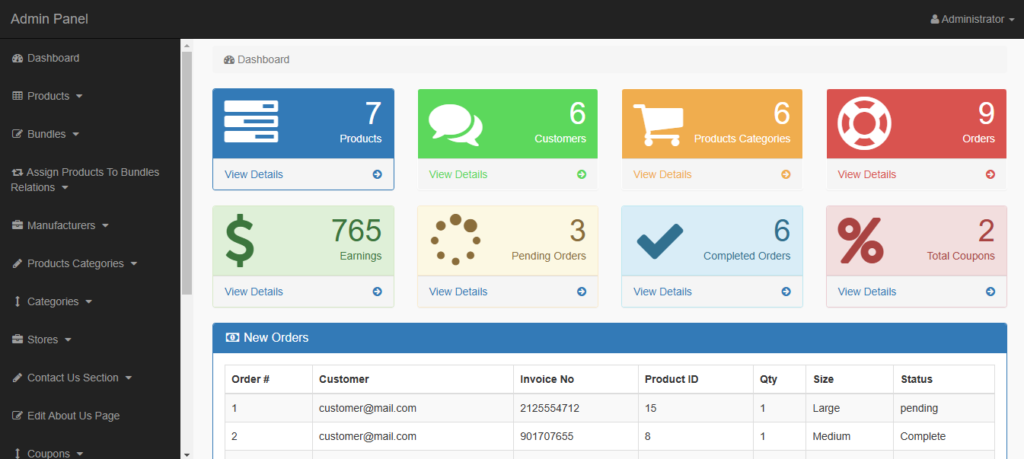
The Admin Dashboard is the central hub for managing the eCommerce platform. Features include:
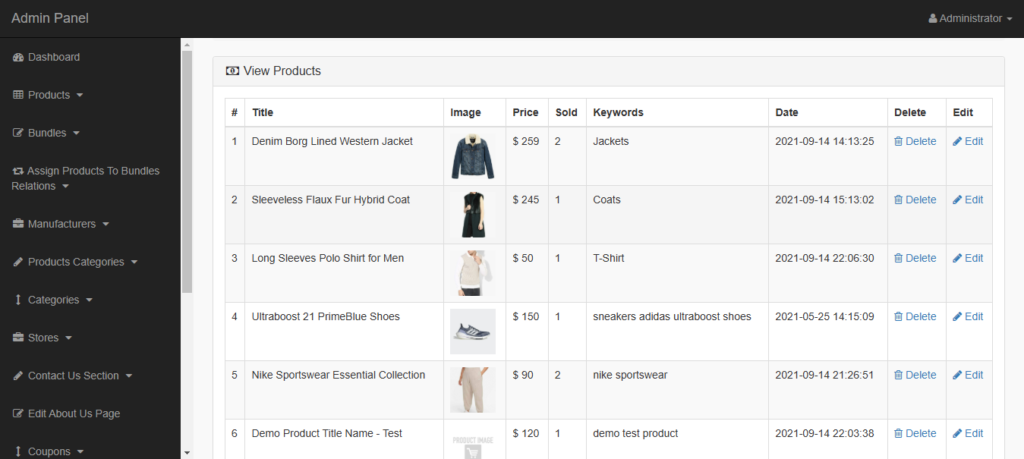
- Product Management: Add, edit, delete, and view product listings.
- User Management: View and manage registered users.
- Order Management: Track and manage customer orders.
- Payment Records: Monitor and maintain transaction details.
- Analytics: View sales statistics, user activity, and order reports.
2. Admin Login
- Secure login system for admins to access the dashboard.
- Password encryption for enhanced security.
- Forgot Password feature for admin account recovery.
3. User Login
- User registration and login functionality.
- Secure authentication system.
- User profile management (update personal details, view order history).
4. Wishlist
- Allows users to save products for future purchases.
- Users can add or remove items from their wishlist.
- Wishlist data is stored in the database and linked to the user’s account.
5. Payment Records
- Tracks all user transactions, including successful and failed payments.
- Admin can view payment details like amount, date, and payment method.
- Secure handling of sensitive payment information.
6. User Interface
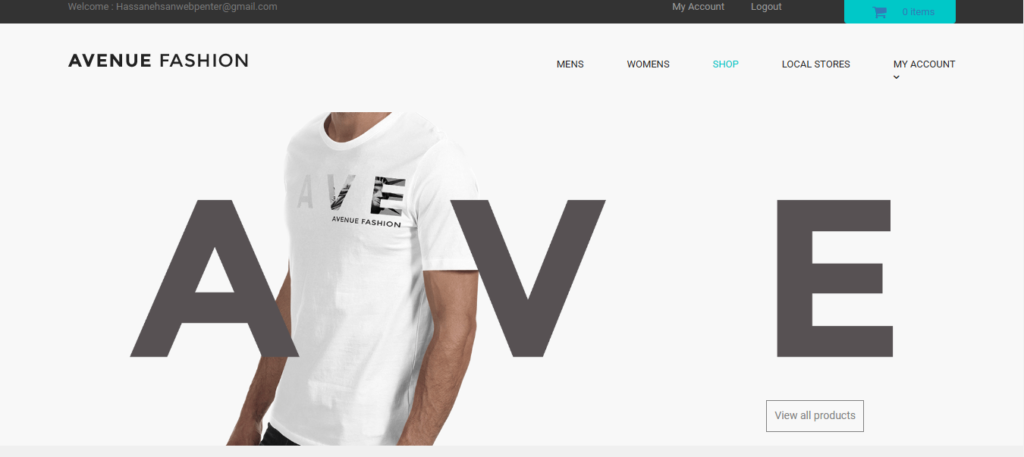
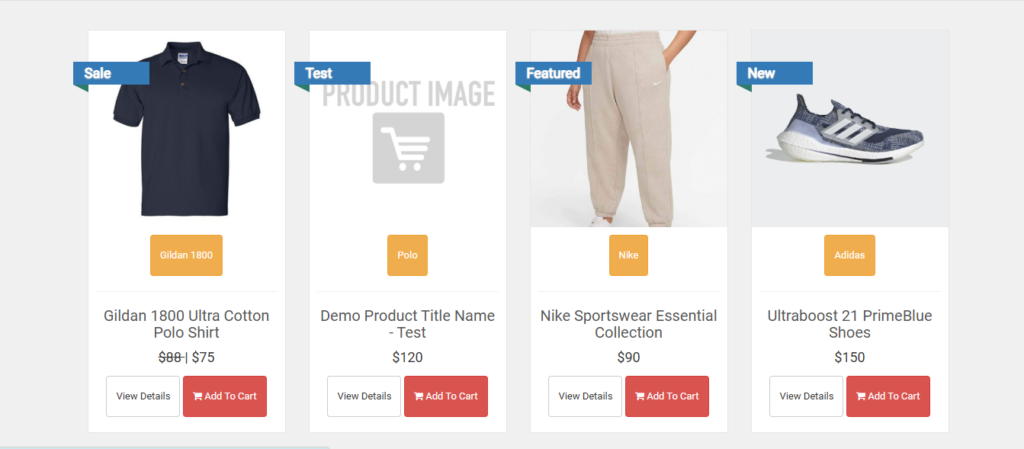
- A user-friendly interface for browsing products, categories, and special offers.
- Responsive design for optimal usability on mobile, tablet, and desktop devices.
- Product search and filtering features to enhance user experience.
Technologies Used
- Frontend: HTML, CSS, JavaScript, Bootstrap.
- Backend: PHP (Core PHP or Laravel framework).
- Database: MySQL for data storage.
- Payment Gateway: Integration with PayPal, or a local payment service.
- Version Control: Git for source code management.
Installation Steps
- Requirements
- PHP 7.4 or higher
- MySQL 5.6 or higher
- A web server (e.g., Apache or Nginx)
- Setup
- 1. Download the Project Files
- Obtain the project files from the provided repository or zip archive.
- Extract the files into your local server’s directory (e.g.,
htdocsfor XAMPP orwwwfor WAMP)
2. Import the SQL Database - Open phpMyAdmin or any MySQL management tool.
- Create a new database named
ecom_store(or any other name, matching it inconfig.php). - Import the SQL file:
Click on the database name in phpMyAdmin.Select the Import tab.Choose the fileecom_store.sqland click Go.
3. Start the Local Server - Run XAMPP or WAMP, and start the Apache and MySQL services.
- 4. Access the Application
- Open a web browser and navigate to: http://localhost/ecommerce-website
Common Troubleshooting
- Database Connection Errors
- Verify the database credentials in
config.php. - Ensure the MySQL service is running.
- Verify the database credentials in
- File Not Found
- Double-check the folder name (
ecommerce-website) and its location in the server directory.
- Double-check the folder name (
- Server Not Running
- Restart Apache/MySQL in XAMPP/WAMP.
Key Features
Fully Responsive
Works perfectly on all devices and screen sizes
Cross-Browser
Compatible with all modern browsers
Clean Code
Well-documented and easy to customize
Fast Loading
Optimized for speed and performance
Customizable
Easy to modify colors, fonts, and layouts
Great Support
Dedicated support team ready to help
Installation Guide
Download the Product
Click the download button to get the ZIP file. Extract it to a folder on your computer.
Upload to WordPress
Go to your WordPress admin panel → Appearance → Themes → Add New → Upload Theme
Activate & Configure
Click activate and configure the settings according to your needs in the Customizer.
Start Using
Your product is now ready! Start creating amazing content with your new tool.
Version History
- NEW Added dark mode support
- IMPROVED Performance optimization
- FIXED Mobile navigation issues
- NEW Added custom widgets
- IMPROVED Better documentation


