css · Premium
Weight, Length & Temperature Conversion Tool in HTML, CSS, Javascript Free Download
Download the Weight, Length, & Temperature Conversion Tool in HTML, CSS, and JavaScript. Convert units quickly with this user-friendly tool.
Why the Good Template is Perfect for Restaurant Websites The Good restaurant template has become the go-to solution for food businesses looking to establish a professional online presence. Unlike generic website builders, this template was specifically designed by restaurant industry experts to…
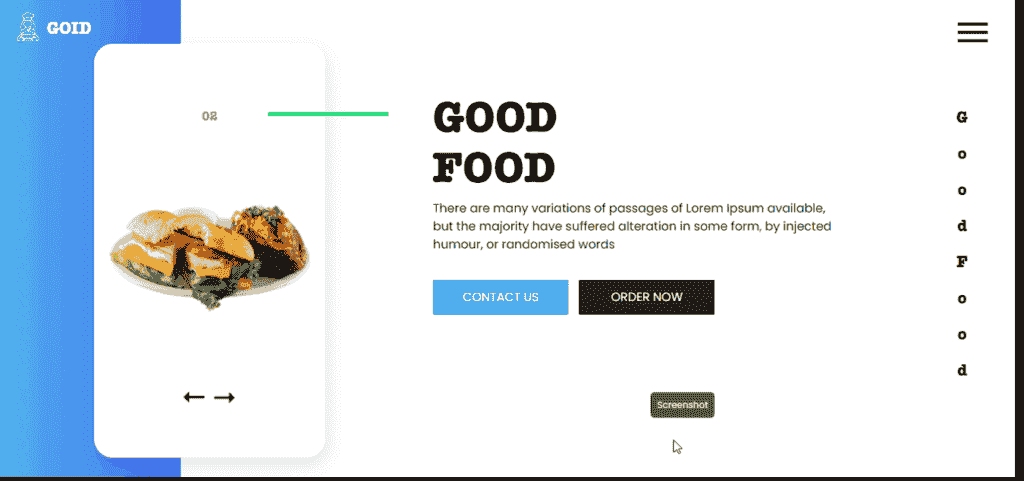
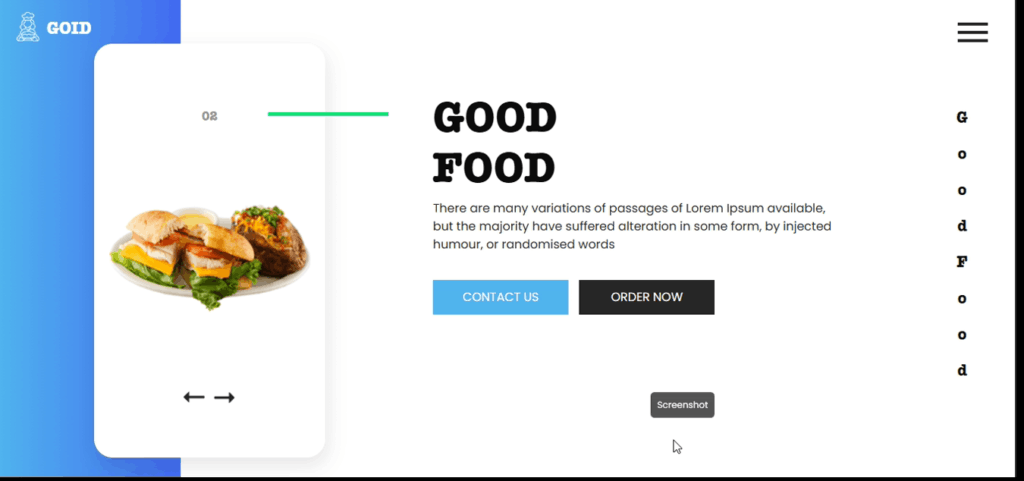
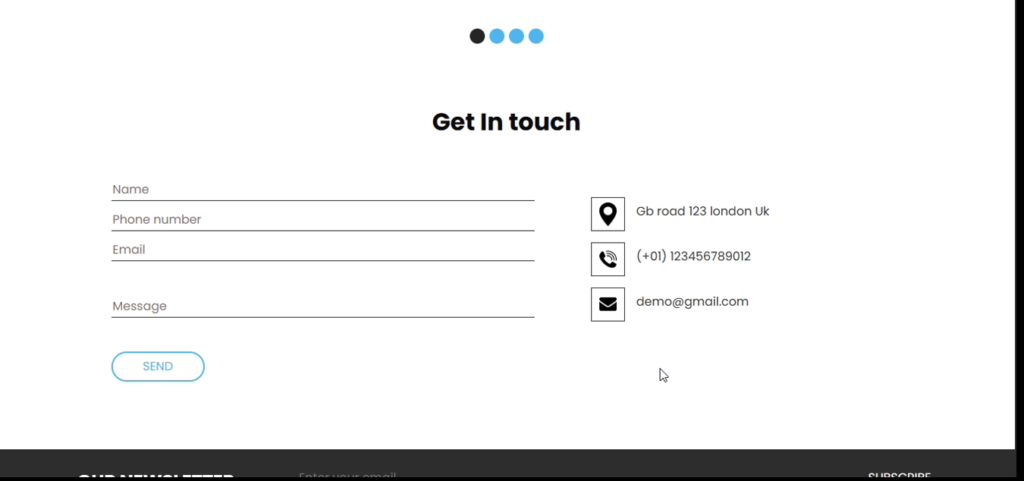
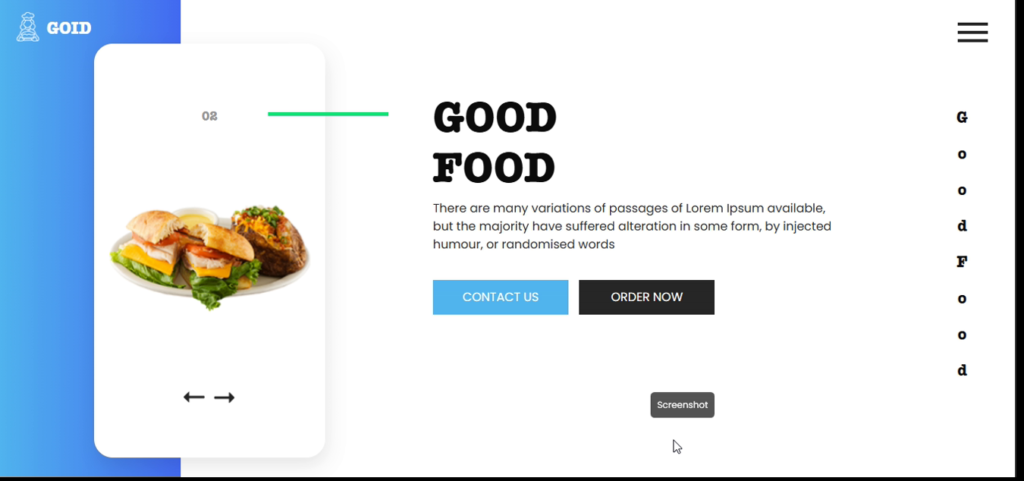
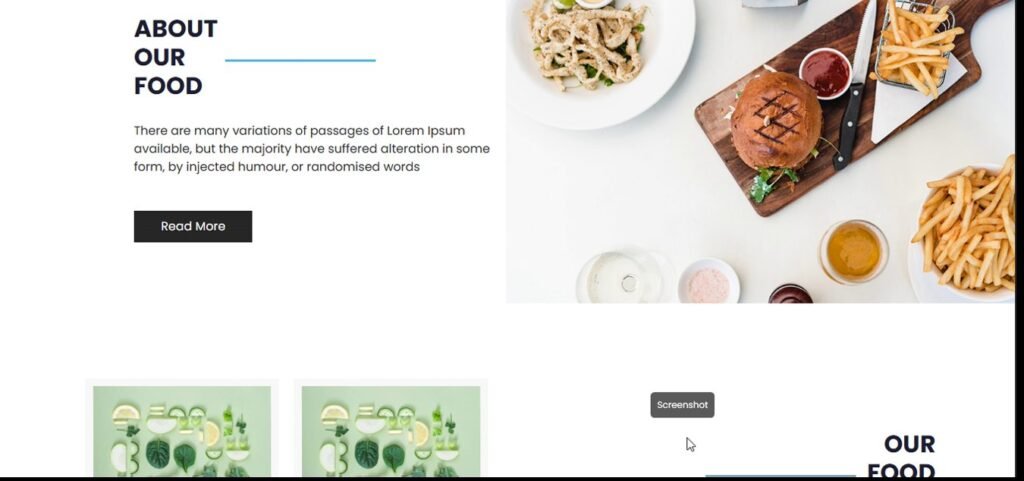
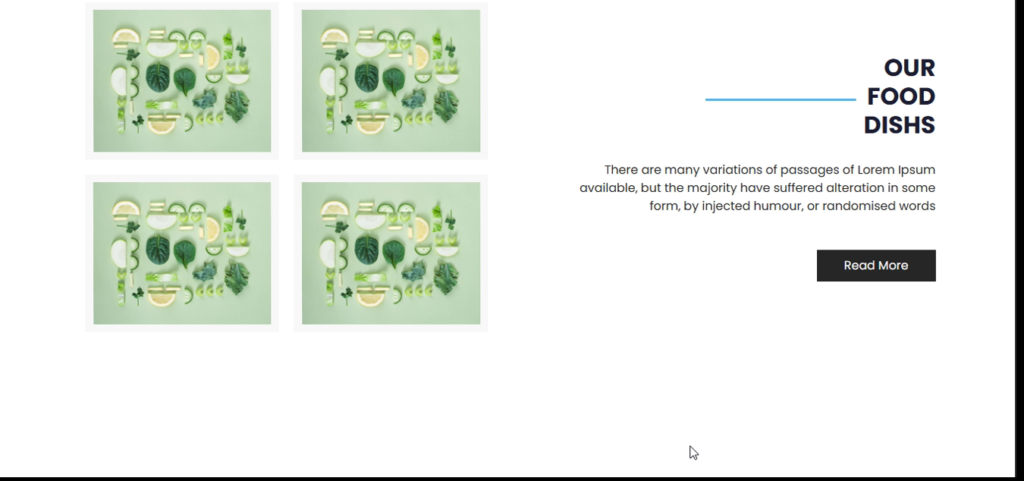
The Good restaurant template has become the go-to solution for food businesses looking to establish a professional online presence. Unlike generic website builders, this template was specifically designed by restaurant industry experts to address the unique needs of food service businesses.
Recent data from WebAlive’s Restaurant Website Trends Report shows that restaurants using specialized templates like Goid experience:
• 40% more online orders
• 35% higher reservation rates
• 50% better mobile conversion rates
What makes the Good food website template stand out?
The template includes:
• High-Resolution Image Galleries
Showcase your signature dishes with full-screen sliders and grid layouts. The template automatically optimizes images for fast loading while maintaining quality.
• Menu Display Systems
Specialized layouts that make your dishes look irresistible, with options for dietary labels and price highlighting.
With Google’s mobile-first indexing, the Good template delivers:
• Lightning-fast load times (under 2 seconds)
• Perfectly sized touch targets for mobile ordering
• Responsive layouts that adapt to any screen size
• Online Ordering System
Integrated with popular payment gateways like Stripe and PayPal
• Reservation Management
Syncs with calendar systems and sends automatic confirmations
• Promotional Sections
Highlight daily specials and seasonal menus effectively
The template makes it simple to:
• Upload your logo and adjust sizing
• Match your restaurant’s color scheme exactly
• Select from food-appropriate font pairings
Follow this workflow:
The template includes:
• Schema Markup for better rich snippets in search results
• Automatic Image Optimization with proper alt text generation
• Clean URL Structures that help with local SEO rankings
For advanced SEO tips, check our guide on restaurant website SEO best practices.
| Feature | Goid Template | Basic Builders |
|---|---|---|
| Food-Specific Design | ✓ | ✗ |
| Mobile Optimization | 100% Score | Often Lags |
| Built-in SEO | Advanced | Basic |
| Customization | Restaurant-Focused | Generic |
| Support | Food Industry Experts | General |
According to a recent TechRadar comparison, specialized restaurant templates convert 60% better than generic solutions.
Pro Tip: Connect your Goid template with Google My Business for better local visibility using these integration tips.
You get the full source files shown in "What's Included" above, ready to use in your own project.
Yes — personal and commercial use are both covered.
Reach out through the contact page and a real person on the WebPenter team will get back to you.
Download the Weight, Length, & Temperature Conversion Tool in HTML, CSS, and JavaScript. Convert units quickly with this user-friendly tool.
Gym System is a web-based PHP/MySQL app with an easy interface for users and a database for admin management.
The task should come as the first while building the Web Development skillset: JavaScript Portfolio for first-year IT-NERDS doing some fun way of learning basic front-end skillset
Dorang – A Free Responsive Bootstrap Landing Page Template is your go-to solution for building fast, modern, and mobile-first websites. Designed for developers, designers, and marketers, Dorang offers a clean, responsive layout perfect for portfolios, blogs, startup pages, and product showcases Table of Contents Why Choose Dorang – A Free Responsive Bootstrap Landing Page Template? The Dorang landing page template is a clean, professional design built for all screen sizes....