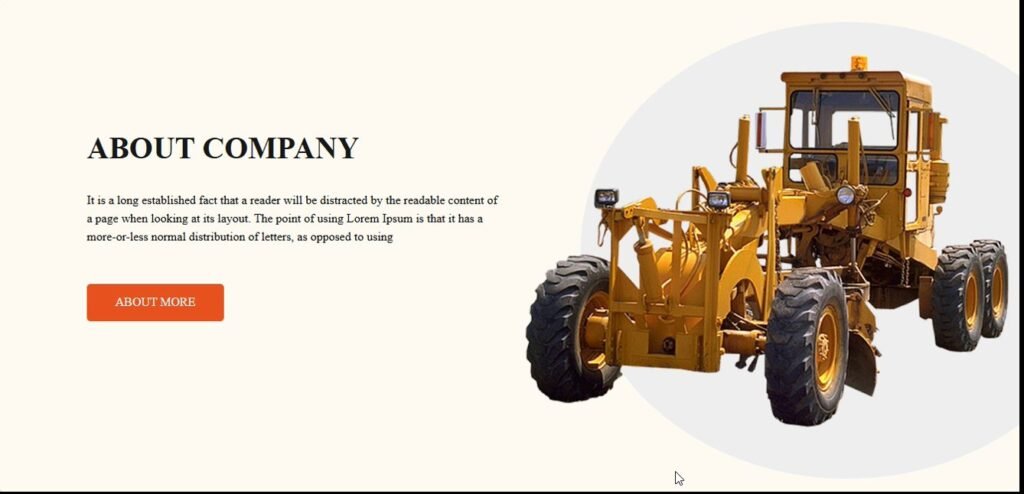
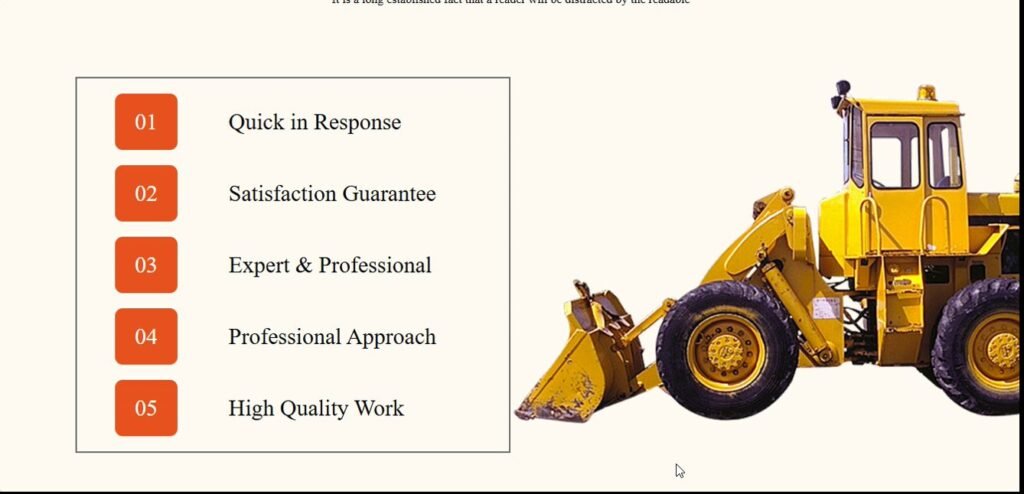
CATO is the best architecture website template designed to help you achieve that. Whether you’re an architect, designer, or construction firm, this modern and fully responsive template lets you showcase your projects in a professional and visually appealing way.
Key Features of the CATO Architecture Website Template
- ✅ Fully Responsive & Mobile-Friendly – Works flawlessly on desktops, tablets, and smartphones.
- ✅ Fast Loading & SEO Optimized – Ensures better rankings and quick page speed.
- ✅ Clean & Well-Structured Code – Developers can easily customize and extend features.
- ✅ Smooth Animations & Modern UI – Enhances user experience with eye-catching designs.
- ✅ Pre-built Pages – Includes Home, About, Services, Portfolio, Blog, and Contact pages.
- ✅ Cross-Browser Compatibility – Works perfectly on Chrome, Firefox, Safari, and Edge.
- ✅ Easy Customization – Modify colors, fonts, and layouts with simple CSS updates.
How to Install the CATO Architecture Website Template
Method 1: Download & Open Locally
- Download the CATO template from [your link].
- Extract the ZIP file on your computer.
- Open the
index.html file in a browser to preview the website.
Method 2: Deploy on a Web Hosting Server
- Upload the entire CATO folder to your hosting provider.
- Make sure your domain is properly linked to the hosting.
- Visit your website URL to check if everything is working correctly.
File Structure of the CATO Architecture Website Template
objectivecCopyEditCATO/
│── assets/ (CSS, JS, Images, Fonts)
│── index.html (Homepage)
│── about.html (About Page)
│── services.html (Services Page)
│── portfolio.html (Portfolio Page)
│── blog.html (Blog Page)
│── contact.html (Contact Page)
│── README.md (Documentation)
Each HTML file represents a different section of your website, making customization simple.
How to Customize the CATO Website Template
1. Changing Colors & Fonts
- Open
assets/css/style.css. - Modify the
:root variables to set primary and secondary colors.
2. Editing Content
- Open
index.html or any other HTML file. - Update text inside
<h1>, <p>, and <a> tags as needed.
3. Adding New Sections
- Copy an existing section from
index.html. - Paste it where needed and update the content accordingly.
Setting Up the Contact Form
CATO includes a built-in contact form. To make it work:
- If using PHP, edit
contact.php and insert your email address. - If using third-party APIs, update
script.js with the necessary API credentials.
SEO Optimization & Performance of the CATO Website Template
CATO is designed for top search engine rankings with:
✔️ SEO-friendly code – Includes proper meta tags, heading structure, and clean URLs.
✔️ Fast-loading pages – Optimized CSS, JS, and images for faster performance.
✔️ Mobile-first design – Ensures seamless browsing on all screen sizes.
Troubleshooting Common Issues
If you face problems while setting up CATO, follow these steps:
- Double-check that all files are correctly uploaded to your server.
- Use browser console (
Ctrl + Shift + I in Chrome) to find errors. - Clear your browser cache if recent changes are not reflecting.
Download the Best Architecture Website Template – CATO
The CATO architecture website template is the ideal choice for architects, designers, and construction firms looking for a modern, fast, and SEO-friendly website.
Web Hosting Services:
Website Performance Testing:
SEO Optimization Guides:
Responsive Design Testing: