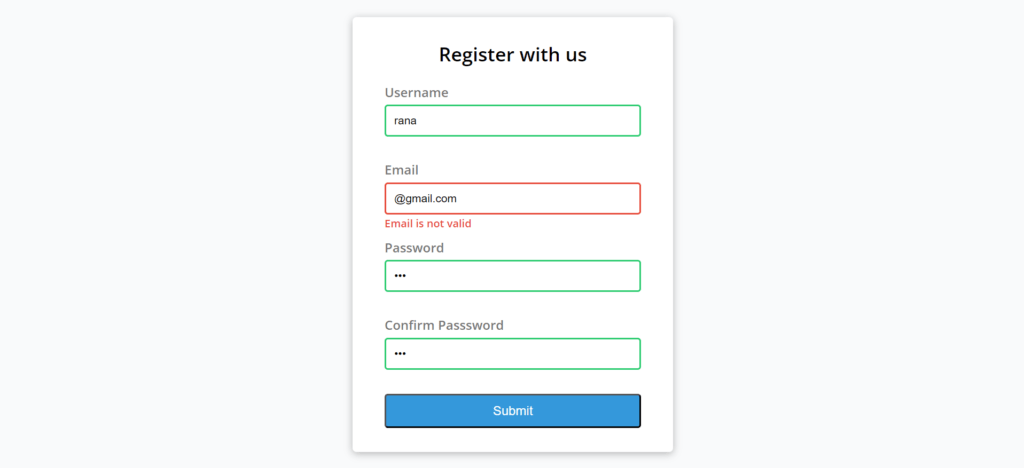
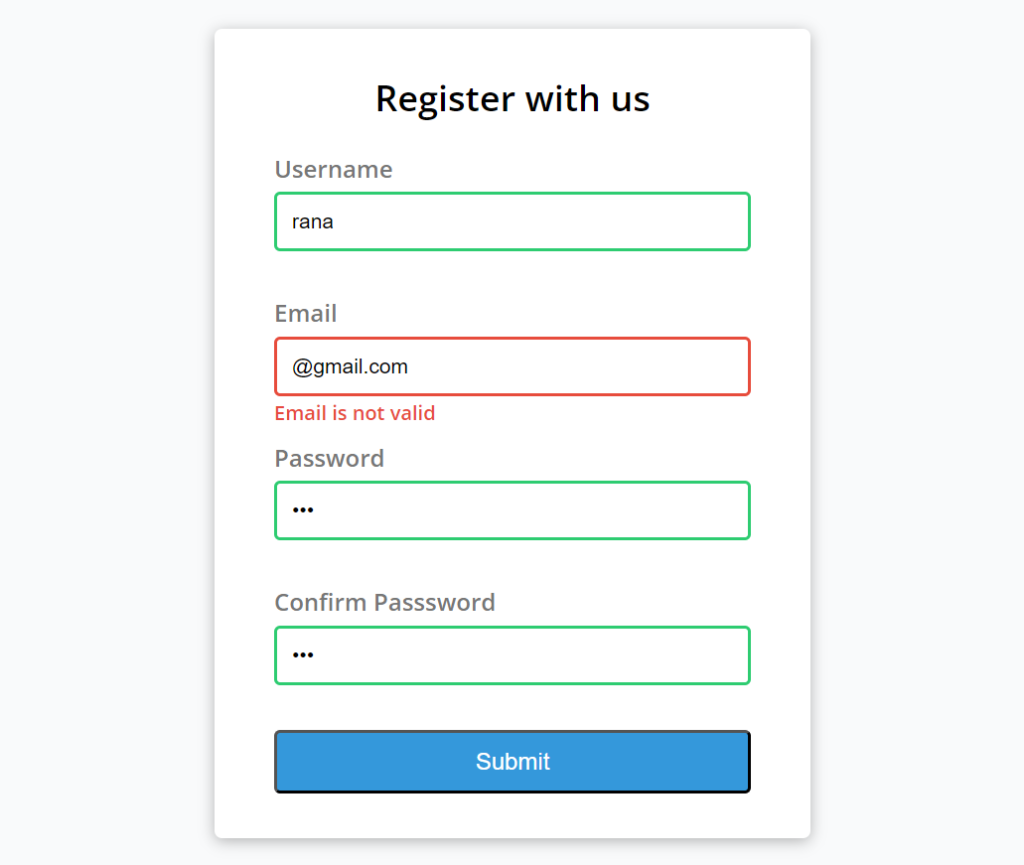
Form validation plays a crucial role in ensuring the accuracy and completeness of user-submitted data. This project leverages HTML, CSS, and JavaScript to efficiently validate form inputs, making sure that required fields are completed and that input data adheres to the correct format before submission. When users click the submit button, the system checks for errors such as missing information or invalid formats, preventing incomplete or incorrect data from being submitted.
By implementing these validation techniques, your forms become more interactive, reliable, and user-friendly. This not only enhances functionality but also improves the overall user experience, minimizing frustration caused by incorrect submissions. Proper form validation reduces errors, increases the likelihood of receiving accurate data, and ensures a smoother, more professional interaction with your web application.
Whether you’re building a registration form, contact page, or any other input form, these validation methods provide a secure and efficient way to process user data, making your forms both functional and dependable for your users.
Technologies:
HTML: Page layout and design
CSS: Design
JavaScript: Frontend
Features:
- Required Fields Validation
- Real-Time Validation
- Pattern Matching
- Custom Error Messages
- Password Strength Meter
- Data Type Validation
- Length Constraints
- Validation for Multiple Fields
- Regular Expressions for Validation
- Validation Summary
- Customizable Validation Rules
- Asynchronous Validation
- Form Submission Control
- Inline Validation
- Validation Animations (Optional)
Installation:
- To run this system, first, open the project in your browser by clicking the index.html file.
- To run this project, you don’t need to have any kind of local server but yet a browser.
- We recommend you use modern browsers like Google Chrome and Mozilla Firefox.