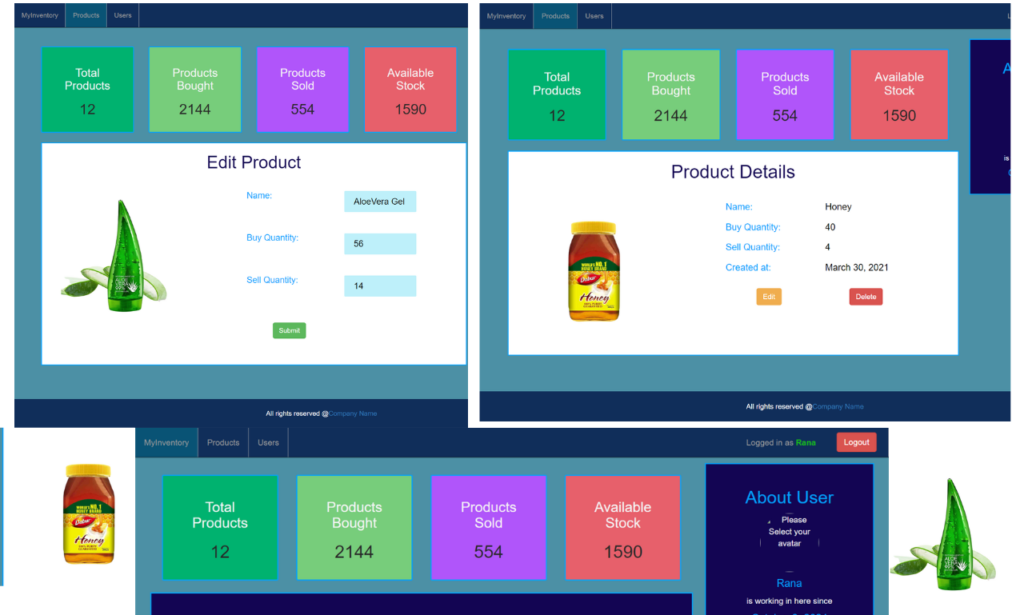
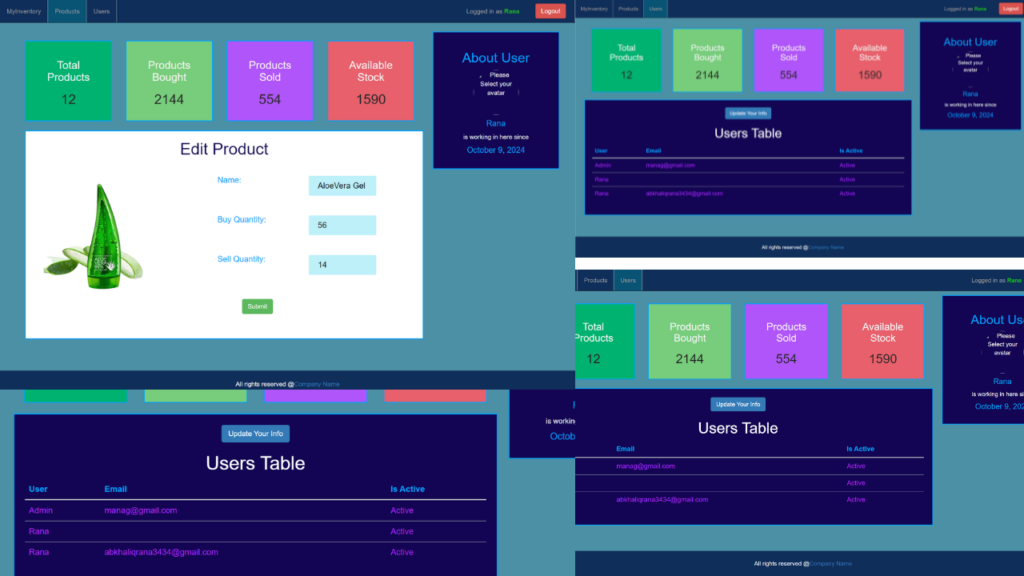
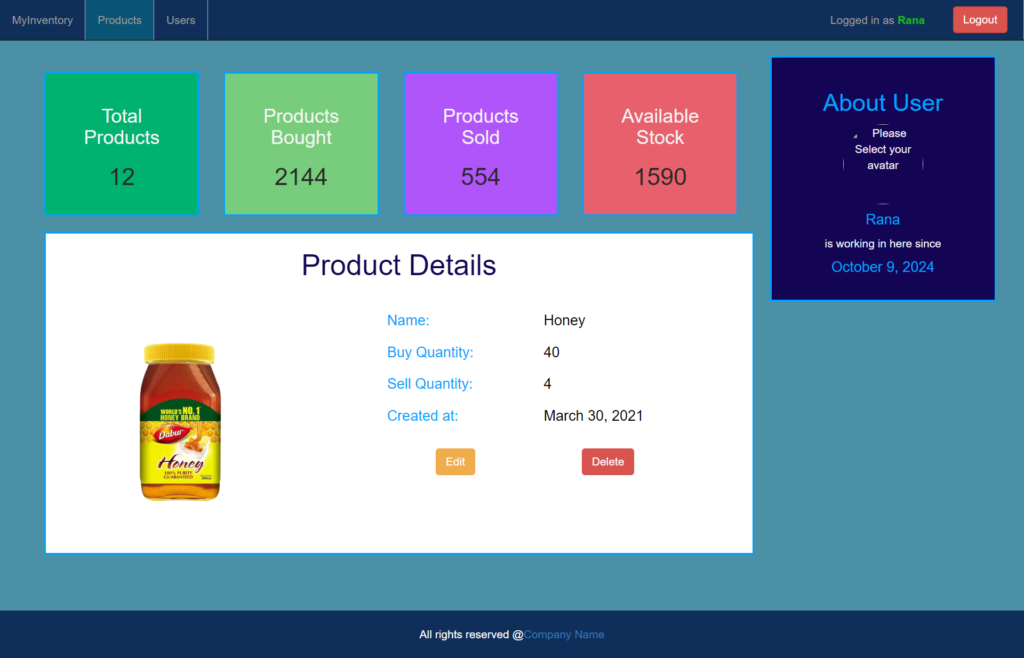
Inventory Management System in PHP is a robust web application built using PHP, JavaScript, and CSS. This system is designed to streamline inventory management by providing both admin and staff user roles. The admin panel offers full control over key operations, including editing site content, adding and managing products, and overseeing staff and customer information. Administrators can also manage orders, track inventory levels, and handle updates efficiently.
The system requires users to log in, ensuring that only authorized members have access to the platform’s functionalities. Both CRUD operations (Create, Read, Update, Delete) are supported, allowing admins and staff to easily maintain up-to-date records of the store’s products and orders.
By offering a user-friendly interface, this system simplifies the process of tracking inventory, making it easier for store owners or managers to organize stock, monitor sales, and update product details with ease.
This project is an ideal solution for businesses looking to automate and optimize their inventory management, helping to reduce errors and save time while keeping product records in order. It is flexible, scalable, and suitable for small to medium-sized stores.
Overall, the Inventory Management System in PHP is a convenient, powerful tool that can help store managers efficiently handle inventory, ensuring smooth operations and a more organized workflow
Technologies:
- HTML: Page layout and design
- CSS: Design
- JS: Frontend
- PHP: Backend
- Bootstrap
- Java Script
Supported Operating Systems:
You can run this project in the following operating systems:
Installation:
After Starting Apache and MySQL in XAMPP, follow the following steps:
1st Step: Extract file
2nd Step: Copy the main project folder
3rd Step: Paste in xampp/htdocs/
4th Step: Open a browser and go to the URL “http://localhost/phpmyadmin/”
5th Step: Click on the Databases tab
6th Step: Create a database named “inventory_project” and then click on the import tab
7th Step: Click on browse the file and select “inventory_project.sql” file which is inside “DATABASE” folder
8th Step: Click on go.
9th Step: Open a browser and go to URL “http://localhost/Inventory_Management_In_PHP/”