css · Premium
ECOMMERCE STORE PHP/MYSQL
This project is an eCommerce application designed to provide a seamless shopping experience for users while allowing administrators to manage the platform efficiently.
Book flights, hotels, and car rentals easily with our Online Travel Booking System in PHP. Simple, secure, and user-friendly.


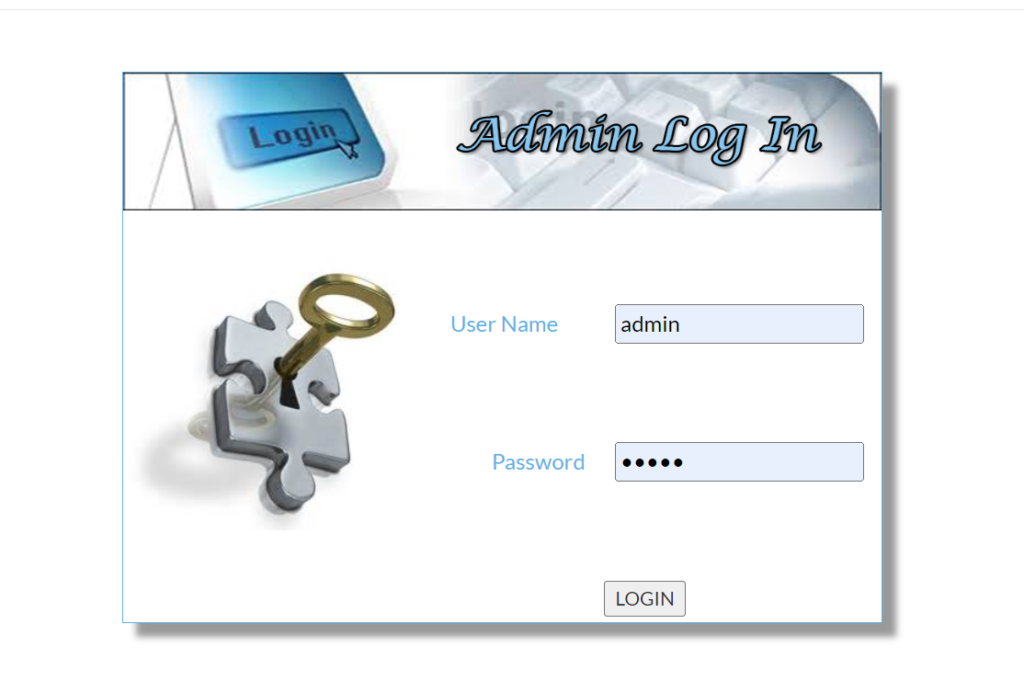
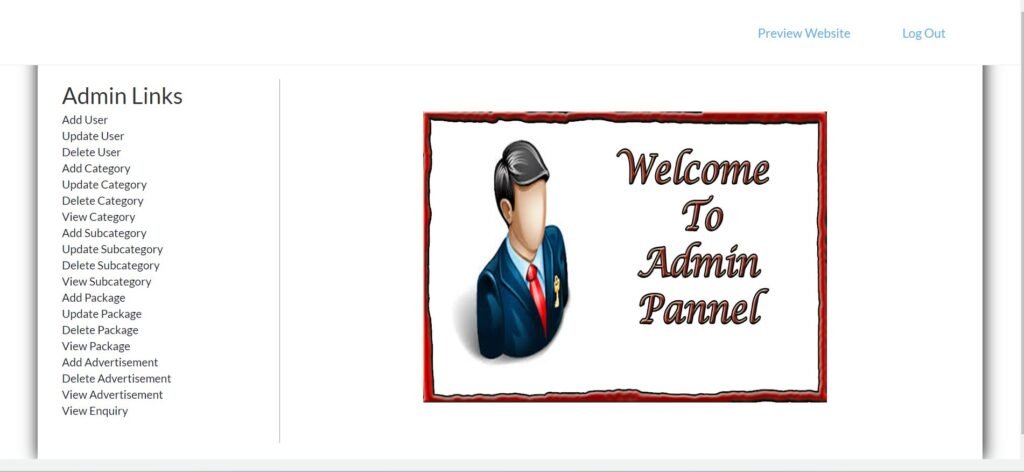
The Online Travel Booking System in PHP provides a comprehensive and easy-to-use platform for managing all your travel needs in one place. Accessible from any web browser, users can quickly create an account or log in to start organizing their trips. The intuitive interface presents clear options for booking flights, hotels, and car rentals, offering a seamless experience from start to finish.
For flights, users simply input key details such as departure and arrival cities, travel dates, and the number of passengers. The system swiftly displays available flight options, with advanced filtering based on price, airline, flight duration, and more. This ensures you can find the best flight that matches your budget and preferences without hassle.
Hotel bookings are just as straightforward. By entering the destination, check-in and check-out dates, and room preferences, users can explore a wide range of accommodation options. The system provides detailed hotel information, including room types, amenities, and pricing, allowing users to compare and select the ideal stay for their trip.
Car rental services are also integrated, making it easy to book a vehicle alongside your other travel arrangements. With secure payment options and real-time updates on availability, the system simplifies travel planning while ensuring peace of mind.
Whether you’re booking a business trip, family vacation, or weekend getaway, the Online Travel Booking System in PHP delivers a reliable and efficient way to handle all your travel needs in one convenient place.
You can run this project in the following operating systems:
User Registration & Login
Profile Management
Password Recovery
Search & Book Trips
Flight Booking
Hotel Booking
Car Rental Booking
Package Tours
Payment Integration
Booking History
Trip Cancellation & Refunds
Trip Rescheduling
Multi-Currency Support
Discount Codes & Promotions
Reviews & Ratings
Travel Itinerary Management
Travel Insurance Integration
Booking Confirmation
Admin Dashboard
Booking Reports
Revenue Reports
Payment History
Social Media Sharing
Key Components:
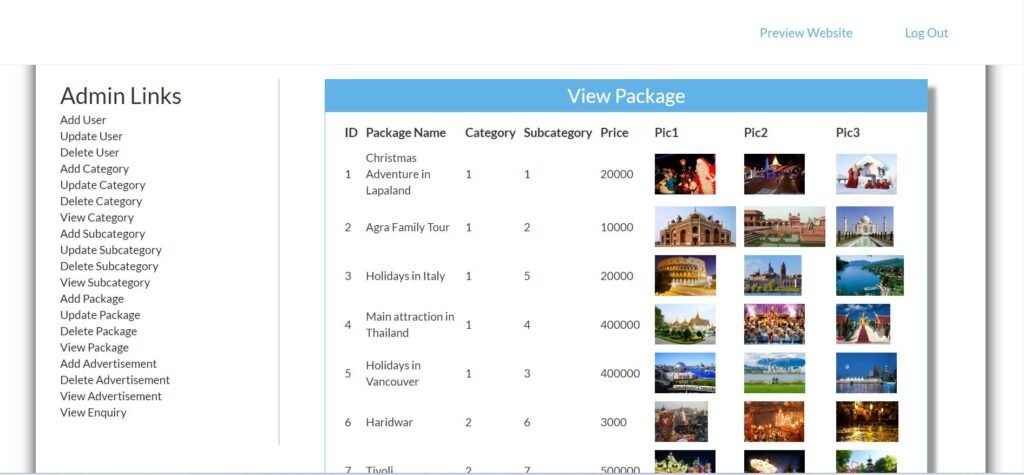
After Starting Apache and MySQL in XAMPP, follow the following steps:
1st Step: Extract file
2nd Step: Copy the main project folder
3rd Step: Paste in xampp/htdocs/
Now Connecting Database 4th Step: Open a browser and go to URL “http://localhost/phpmyadmin/”
5th Step: Click on the databases tab
6th Step: Create a database named “travel” and then click on the import tab
7th Step: Click on browse the file and select “travel.sql” file which is inside “DATABASE” folder
8th Step: Click on go.
After Creating Database,
9th Step: Open a browser and go to URL “http://localhost/Online-Travling-System-Php”
Need Help or Customization?
If you need assistance with setup, customization, or any other support, feel free to contact me. I’m here to help and provide the best solutions for your needs.
You get the full source files shown in "What's Included" above, ready to use in your own project.
Yes — personal and commercial use are both covered.
Reach out through the contact page and a real person on the WebPenter team will get back to you.
This project is an eCommerce application designed to provide a seamless shopping experience for users while allowing administrators to manage the platform efficiently.
Download PHP Inventory Management System with admin and staff panels, supporting CRUD operations for efficient product and order management.
If you’re looking to build a modern, clean, and responsive Charity Website Template, then the Doni Charity project is a great place to start. Designed for nonprofits, NGOs, and charitable organizations, this template uses HTML, CSS, Bootstrap, and jQuery to create an aesthetically pleasing, responsive, and functional website that delivers your mission with clarity. Why a Charity Website Template Matters In today’s digital world, a website isn’t just a luxury...
A PHP and MySQL-based Online Railway Reservation System for efficient ticket booking and management, ideal for IT students' projects