css · Premium
Online Railway Reservation System Project In PHP/MySQL Free Download
A PHP and MySQL-based Online Railway Reservation System for efficient ticket booking and management, ideal for IT students' projects
User-friendly online exam system with real-time scoring, detailed feedback, and admin tools for managing questions and participants.
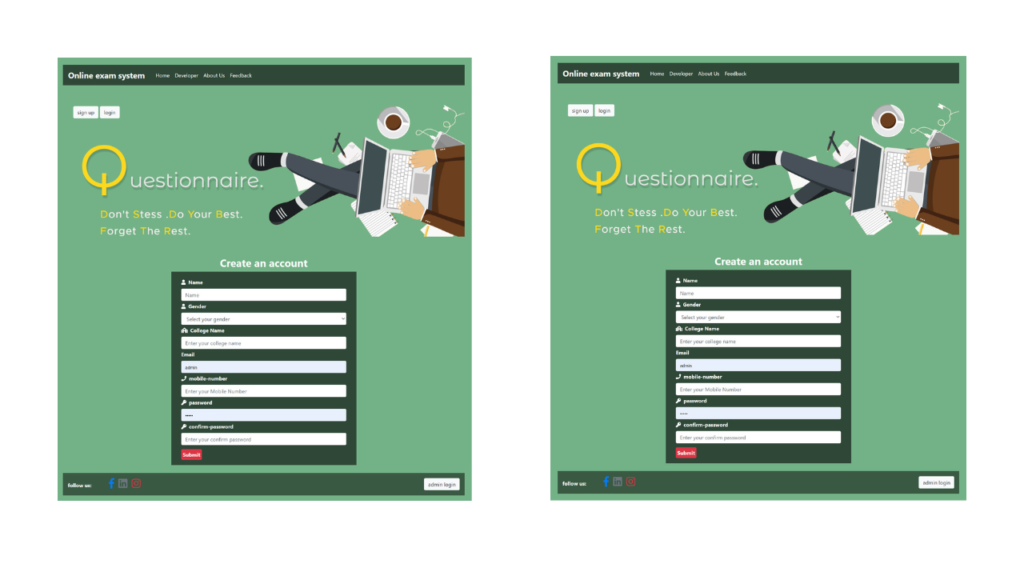
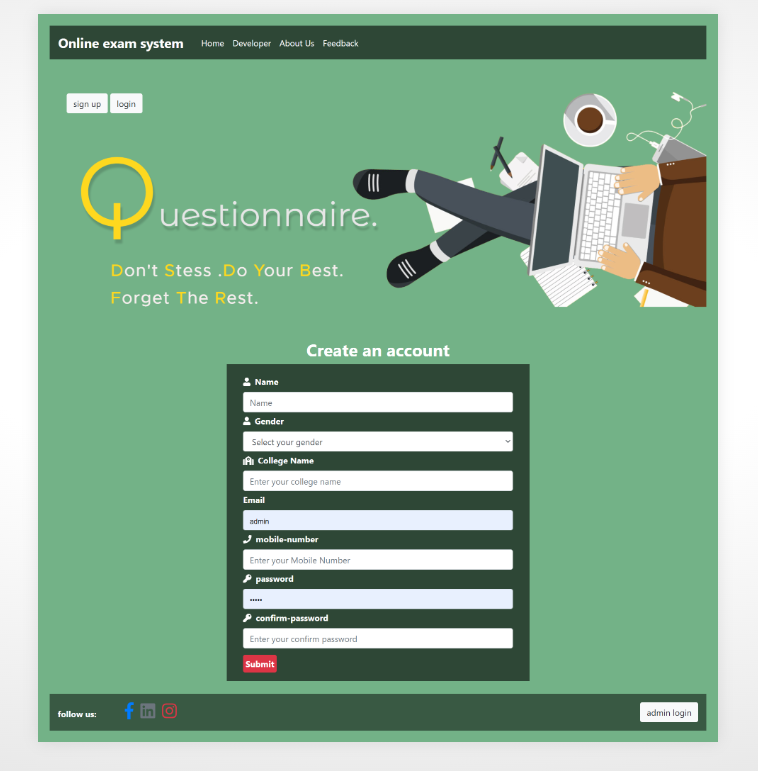


The online exam system provides a user-friendly platform for efficiently taking and managing exams. Users can easily select their desired subject and begin the exam with a single click. Each question is submitted individually, allowing users to focus and provide answers at their own pace. Upon completion, users receive a detailed score report, showing correct and incorrect responses, helping them understand their performance. Additionally, users can view the top scores of other participants along with their associated colleges, promoting a sense of competition and motivation.
Administrators have access to powerful tools, including the ability to monitor the number of exam participants, manage questions and answers, and create new quiz categories. This ensures that exams are always updated and relevant. Both users and examiners are encouraged to provide feedback through an integrated form, allowing for continuous improvement of the system. The feedback helps enhance the user experience, making the platform more efficient and engaging for all participants.
CSS: Design
JS: Frontend
PHP: Backend
Bootstrap
Java Script
You can run this project in the following operating systems:
Windows
MAC
Linux
Student Profile Management
Role-Based Access Control
Admin Dashboard
Exam Creation & Management
Question Bank Management
Multiple Question Types (MCQs, True/False, Essay, etc.)
Timed Exams
Randomized Questions
Exam Scheduling
Exam Invigilation (Proctoring)
Automated Grading
Manual Grading
Result Generation & Reports
Certificate Generation
Exam Retake Management
Progress Tracking
Answer Review & Feedback
Exam History & Records
Subject & Topic Management
Course Management
Study Materials & Resources
After Starting Apache and MySQL in XAMPP, follow the following steps:
1st Step: Extract file
2nd Step: Copy the main project folder
3rd Step: Paste in xampp/htdocs/
Now Connecting Database 4th Step: Open a browser and go to URL “http://localhost/phpmyadmin/”
5th Step: Click on the databases tab
6th Step: Create a database named “exam” and then click on the import tab
7th Step: Click on browse file and select “exam.sql” file which is inside “DATABASE” folder
8th Step: Click on go.
After Creating Database,
9th Step: Open a browser and go to URL “http://localhost/online-exam-system-in-php”
Need Help or Customization?
If you need assistance with setup, customization, or any other support, feel free to contact me. I’m here to help and provide the best solutions for your needs.
You get the full source files shown in "What's Included" above, ready to use in your own project.
Yes — personal and commercial use are both covered.
Reach out through the contact page and a real person on the WebPenter team will get back to you.
A PHP and MySQL-based Online Railway Reservation System for efficient ticket booking and management, ideal for IT students' projects
Get a responsive online shop store with PHP & MySQL. Enjoy user-friendly navigation, secure payments, and an intuitive admin dashboard.
Welcome to Housing-Co, a real estate service project designed to simplify buying, selling, and renting properties. Built with PHP and MySQL, this project offers a fully functional real estate management system that is user-friendly, efficient, and scalable. Whether you’re a property owner, real estate agent, or buyer, Housing-Co provides an interactive platform to showcase listings, manage transactions, and stay updated with market trends. Key Features of Housing-Co Real Estate Service...
Showcase your skills with DevFolio, a responsive portfolio template for designers, developers, and freelancers.