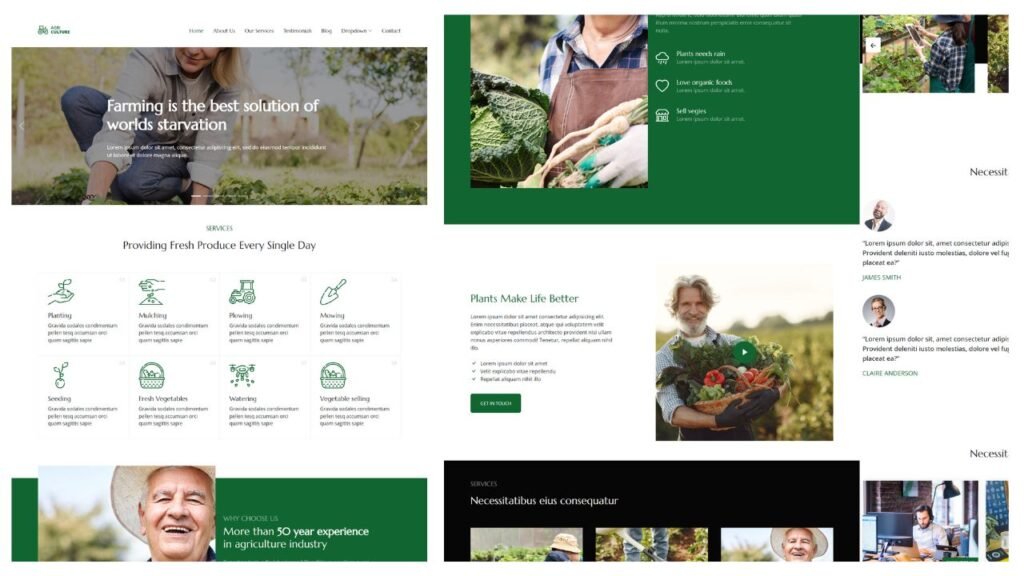
Discover the Agriculture Bootstrap template: a modern, responsive solution for creating professional websites for farmers and agricultural businesses.
4.8 (2847+ downloads)·Free·Updated Jun 2026
Overview
Agriculture is a thoughtfully designed Bootstrap template tailored for the agriculture sector. This all-in-one solution is ideal for creating professional, attractive websites for farmers, agricultural businesses, and organizations dedicated to sustainable farming.
Built using the adaptable Bootstrap framework, Agriculture ensures a smooth user experience on all devices, from desktop computers to smartphones. Its responsive design seamlessly adjusts to any screen size, making it an excellent choice for businesses aiming to reach their audience wherever they are.
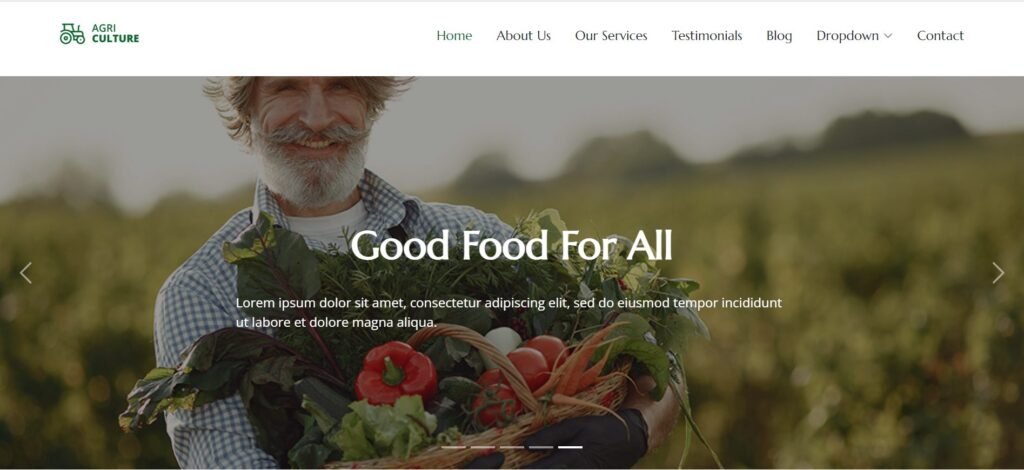
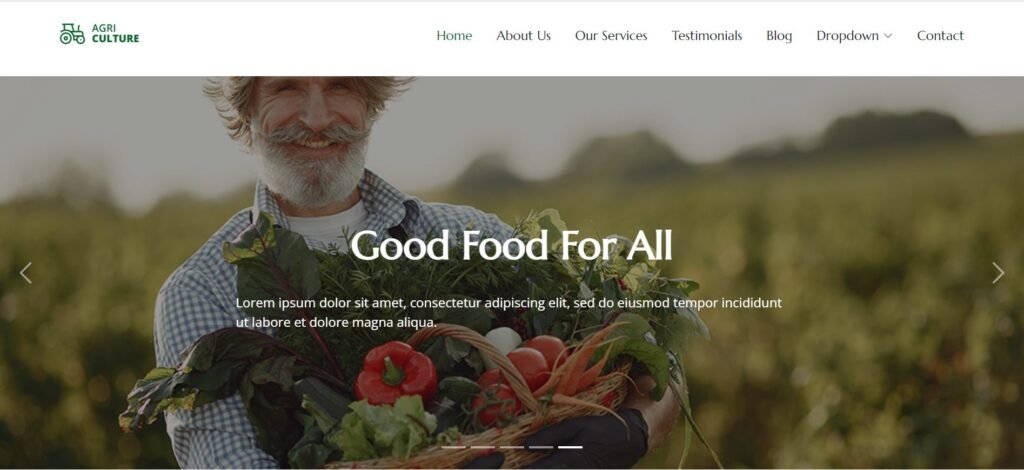
The template features a sleek, modern design with an intuitive layout that promotes user interaction. For instance, the homepage includes an engaging hero image slider that visually captures the essence and dedication of the agricultural field. This striking visual element is complemented by clear and powerful messages that convey your business’s core values and mission effectively.
In addition, Agriculture offers a variety of customizable features designed to cater to the unique needs of the agriculture industry. These features include:
Integrated Contact Forms: Facilitate easy communication with your visitors through user-friendly forms.
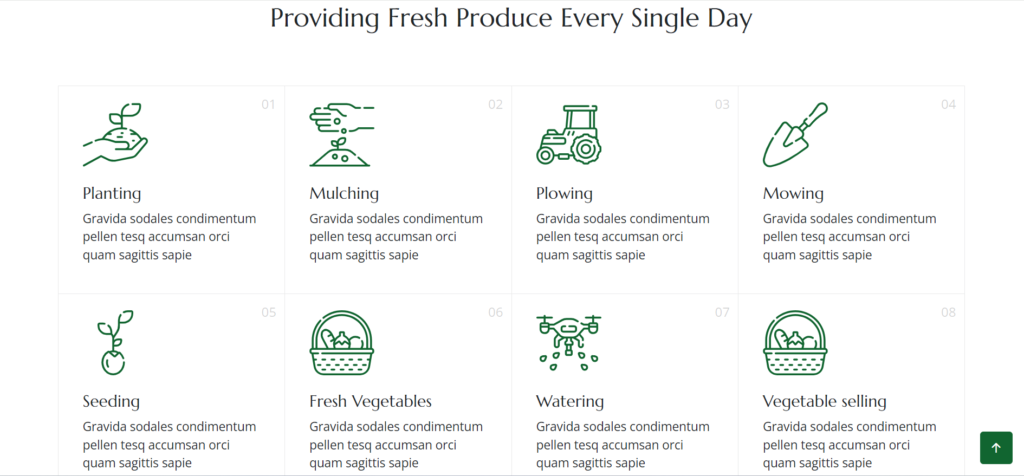
Service Sections: Highlight your services with dedicated sections that can be tailored to your business requirements.
Blog Integration: Keep your audience informed of industry news, updates, and insights via a built-in blog feature.
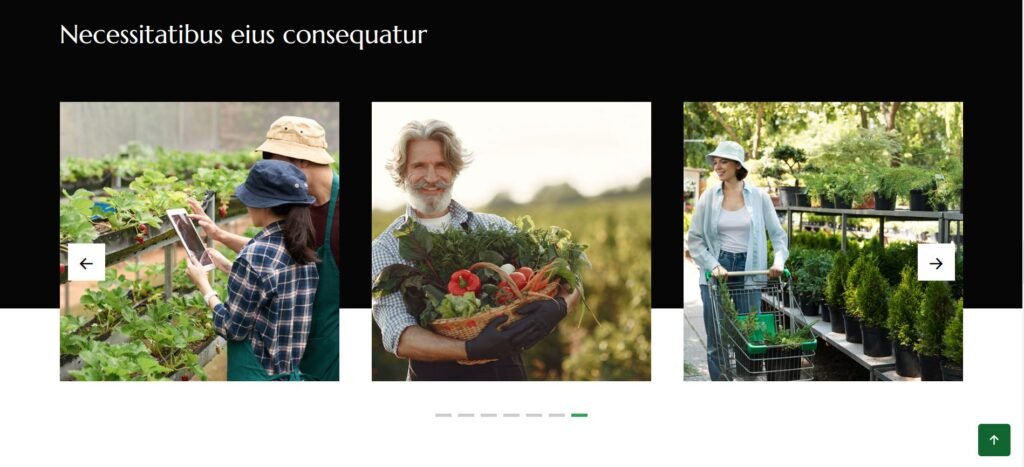
Gallery Options: Showcase your projects, products, or activities with visually appealing gallery layouts.
Testimonials Section: Build trust and credibility by displaying testimonials from satisfied clients or partners.
Overall, Agriculture not only provides a visually appealing website but also ensures that your online presence reflects the dedication and professionalism of your agricultural business. With its user-friendly design and flexible customization options, this template is an excellent choice for creating a compelling online identity that stands out in the agriculture sector.
Key Features:
Responsive Design: Looks great on all devices, including desktops, tablets, and smartphones.
Bootstrap Framework: Built with the latest Bootstrap version for a solid and adaptable design.
Customizable Components: Includes pre-designed elements like headers, footers, buttons, and forms that you can easily adjust to fit your brand.
Clean Layout: Professional and modern design that effectively showcases agricultural products and services.
Gallery and Portfolio Sections: Dedicated areas to display images of farms, crops, products, and projects.
Blog Integration: Add a blog to share news, articles, and updates about agriculture and your business.
Contact Forms: Easy-to-use contact forms with options like Google reCAPTCHA for spam protection.
Social Media Integration: Connect and share content on social media to boost engagement.
SEO Friendly: Optimized to help your website rank better in search results and attract more visitors.
E-commerce Ready: Integrates with e-commerce platforms for selling products directly from your site.
Map Integration: Include Google Maps to show farm locations or office addresses.
Multimedia Support: Supports images, videos, and audio for a rich user experience.
Testimonial Section: Display customer reviews and testimonials to build trust.
Service Pages: Detailed pages to describe your services, like crop growing and agricultural consulting.
Newsletter Subscription: Option to subscribe to newsletters for the latest updates and offers.
Animations and Effects: Smooth animations to enhance user interaction without slowing down the site.
These features make the Agriculture Bootstrap Website Template a versatile and effective choice for creating a professional and engaging site for agricultural businesses.
SERVICES:
Installation:
Using Visual Studio Code:
open your project folder in VS Code.
Install the “live server” extension:
Go to the Extensions tab and search for “Live Server.”
Install the extension.
Start the server:
Right-click your index.html file (or any other HTML file) and select “Open with Live Server.”
This will launch your project in the browser at http://127.0.0.1:5500 or similar.
What's Included
Full source files
Free updates
Use in personal & commercial projects
Frequently Asked Questions
What do I get when I download this?
You get the full source files shown in "What's Included" above, ready to use in your own project.
Can I use this in a commercial project?
Yes — personal and commercial use are both covered.
Looking for a free Bootstrap eCommerce template? This responsive HTML5 template is the perfect solution for showcasing your online business in a clean and modern way. With a sleek, minimal design and powerful features, you can quickly create an eye-catching, professional eCommerce website. Key Features of This Free Bootstrap HTML5 eCommerce Template This Bootstrap eCommerce template offers a range of powerful features that make building an online store fast and...
The task should come as the first while building the Web Development skillset: JavaScript Portfolio for first-year IT-NERDS doing some fun way of learning basic front-end skillset
Modern Bootstrap 4 eCommerce Website Template – Belle Belle is a feature-rich, modern Bootstrap 4 eCommerce website template designed for building high-performing online stores across a wide range of industries. Whether you’re creating a fashion boutique, electronics shop, furniture store, or cosmetics brand, Belle delivers fully responsive layouts and flexible design options tailored to your business needs. With 14 homepage demos and 68+ ready-to-use HTML pages, Belle provides a reliable...