

CONSULT – Consultancy Website Template Free Download
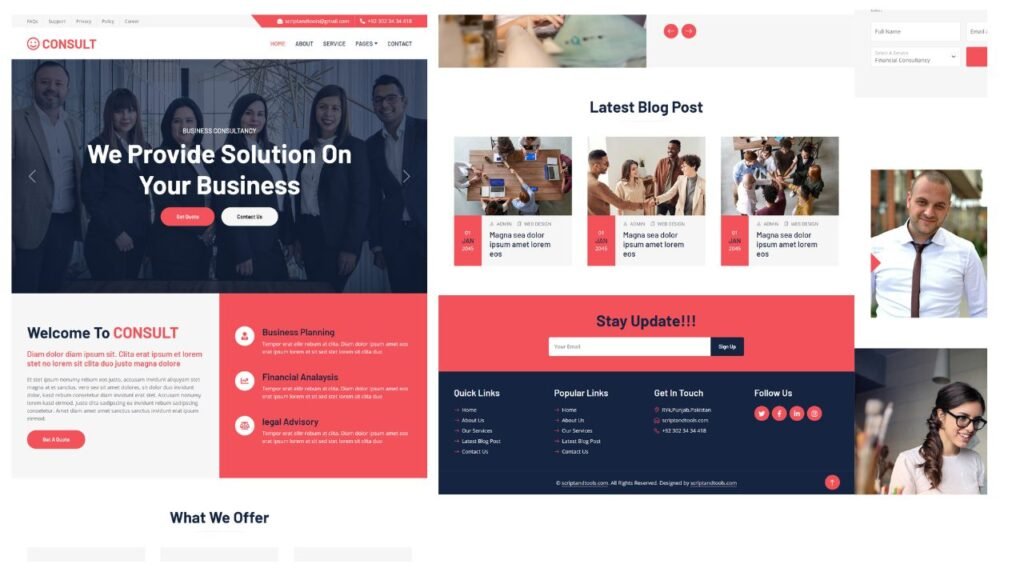
consult is a modern, responsive website template tailored for consultancy businesses. It offers customizable features to help you build a professional and engaging online presence.
Product Preview
3 images


Detailed Description
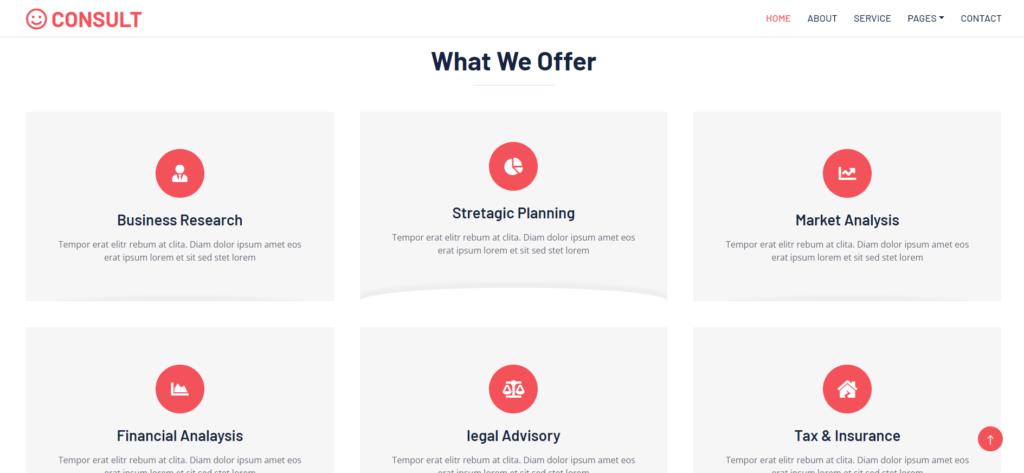
CONSULT is a modern, adaptable, and user-friendly website template specifically crafted for consultancy businesses. Whether you’re a business advisor, a corporate finance firm, a management consultant, or an HR consultant, CONSULT provides the perfect foundation to create a professional and polished online presence. If you’re searching for a free HTML template that meets the unique needs of your consultancy business, CONSULT is undoubtedly an excellent choice.
Furthermore, one of the standout features of CONSULT is its fully responsive design. This means that your website will not only look great but will also function flawlessly across all devices, from large desktop screens to tablets and smartphones. In today’s mobile-first world, this level of adaptability is essential for providing a smooth and consistent user experience, no matter how your clients choose to access your site.
Technologies:
CSS: Design
Bootstrap v5: framework
JS: Frontend
Features :
- Valid HTML5 and CSS3
- Bootstrap v5 framework
- Sass supported coding
- Google web font support
- Bootstrap icon font support
- Free Font Awesome v5 icon font
- +10 pre-defined HTML5 template files
- Very clean and Well-commented coding
- Developer-friendly and SEO-friendly code
- Unique, modern, and flexible layout design
- Compatible with all modern web browsers
- Suited for one-page and multi-page websites
- Mobile-friendly and dropdown navigation bar
- Fully responsive and stylish header carousel
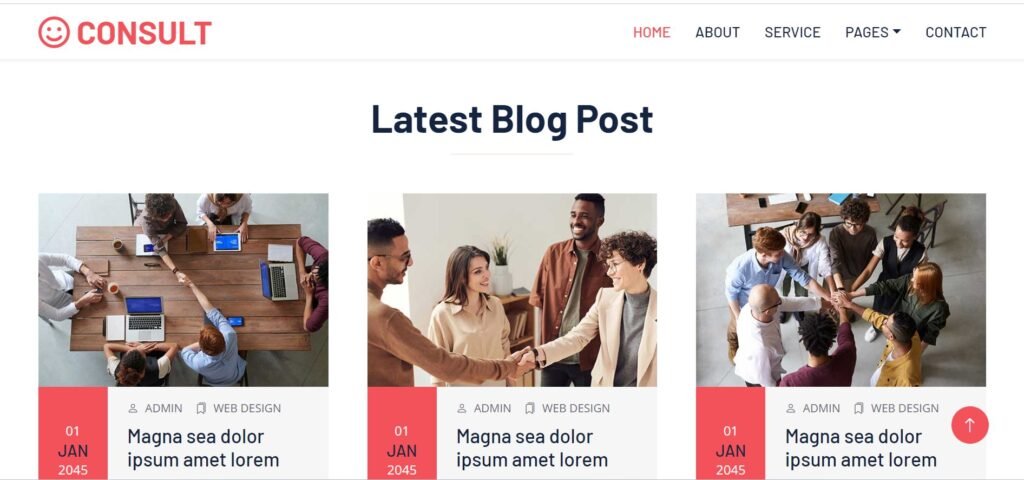
- Blog grid with different UI elements
- Blog detail page with a comment list
- Smooth scrolling effect
- CSS3 hover effects
- Testimonial carousel
- Comment form
- Newsletter form
- Social link with icon
- The “Back to Top” button
- Contact form with Google map
Offers:

Our Blogs:

Installation:
Using Visual Studio Code:
- open your project folder in VS Code.
- Install the “live server” extension:
- Go to the Extensions tab and search for “Live Server.”
- Install the extension.
- Start the server:
- Right-click your
index.htmlfile (or any other HTML file) and select “Open with Live Server.” - This will launch your project in the browser at
http://127.0.0.1:5500or similar.
- Right-click your
Key Features
Fully Responsive
Works perfectly on all devices and screen sizes
Cross-Browser
Compatible with all modern browsers
Clean Code
Well-documented and easy to customize
Fast Loading
Optimized for speed and performance
Customizable
Easy to modify colors, fonts, and layouts
Great Support
Dedicated support team ready to help
Installation Guide
Download the Product
Click the download button to get the ZIP file. Extract it to a folder on your computer.
Upload to WordPress
Go to your WordPress admin panel → Appearance → Themes → Add New → Upload Theme
Activate & Configure
Click activate and configure the settings according to your needs in the Customizer.
Start Using
Your product is now ready! Start creating amazing content with your new tool.
Version History
- NEW Added dark mode support
- IMPROVED Performance optimization
- FIXED Mobile navigation issues
- NEW Added custom widgets
- IMPROVED Better documentation


