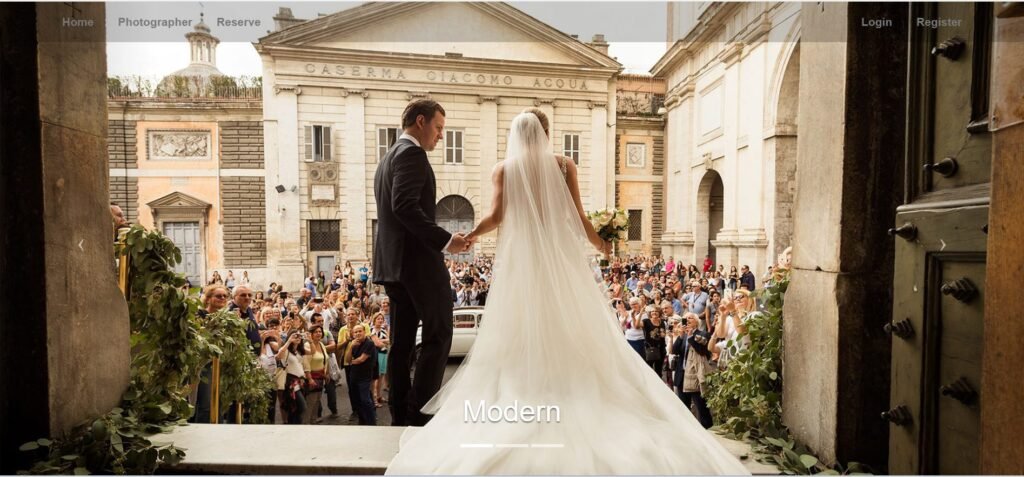
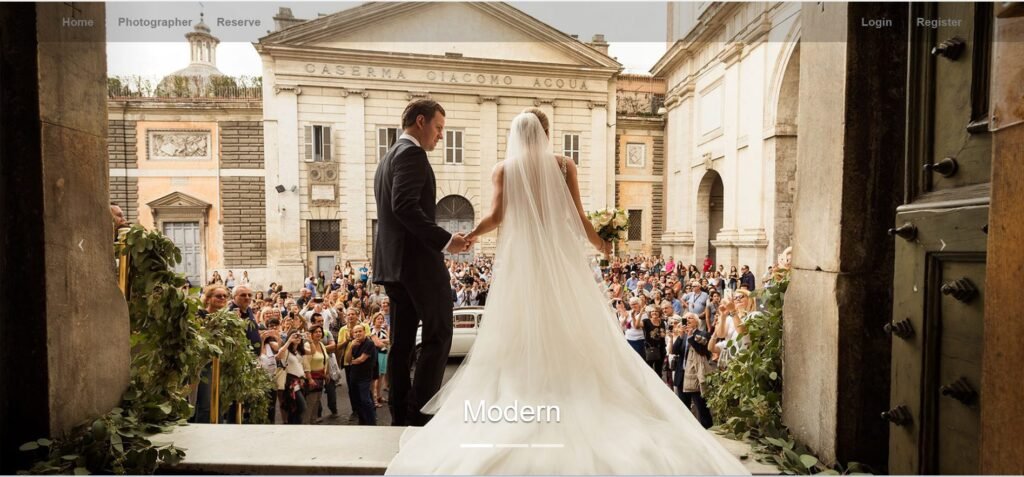
“Wedding Reservation” is the online web system where the customer can reserve the wedding area and the photograph. The application contains two main components Admin and Customer side. This system is written in PHP and MYSQL. Firstly, the user needs to register the system filling up the form. Then, they can log in to the system. Admin can access all the activities of the system. They can see the reservation that the user request and they can even accept and delete.
Technologies:
- HTML: Page layout and design
- CSS: Design
- JS: Fontend
- PHP: Backend
- Bootstrap
- Java Script
Supported Operating Systems:
You can run this project in the following operating systems:
Features:
User Registration & Login
Profile Management
Venue Booking
Catering Service Booking
Photographer/Videographer Booking
Event Planning & Coordination
Florist & Decoration Booking
Entertainment & Music Booking
Invitation Management
Guest List Management
Seating Arrangement
Payment Integration
Booking History
Reservation Confirmation
Booking Cancellation & Refunds
Vendor Search by Category
Event Timeline Management
Role-Based Access Control
Admin Dashboard
Installation:
To run this project you must have installed a virtual server i.e. XAMPP on your PC. Wedding Reservation in PHP with source code is free to download, Use for educational purposes only!
After Starting Apache and MySQL in XAMPP, follow the following steps
1st Step: Extract file
2nd Step: Copy the main project folder
3rd Step: Paste in xampp/htdocs/
4th Step: Open a browser and go to URL “http://localhost/phpmyadmin/”
5th Step: Then, click on the databases tab
6th Step: Create a database naming “reservation” and then click on the import tab
7th Step: Click on browse file and select “reservation.sql” file which is inside the “reservation1” folder
8th Step: Click on go.
After Creating Database,
9th Step: Open a browser and go to URL “http://localhost/weddingReservation-master/”